Fast • Secure • High Quality
Convert & Compress Images in Any Format
The all-in-one image converter and compressor app to convert and shrink your photos quickly, easily, and in the highest quality — right on your device.

 Coming soon
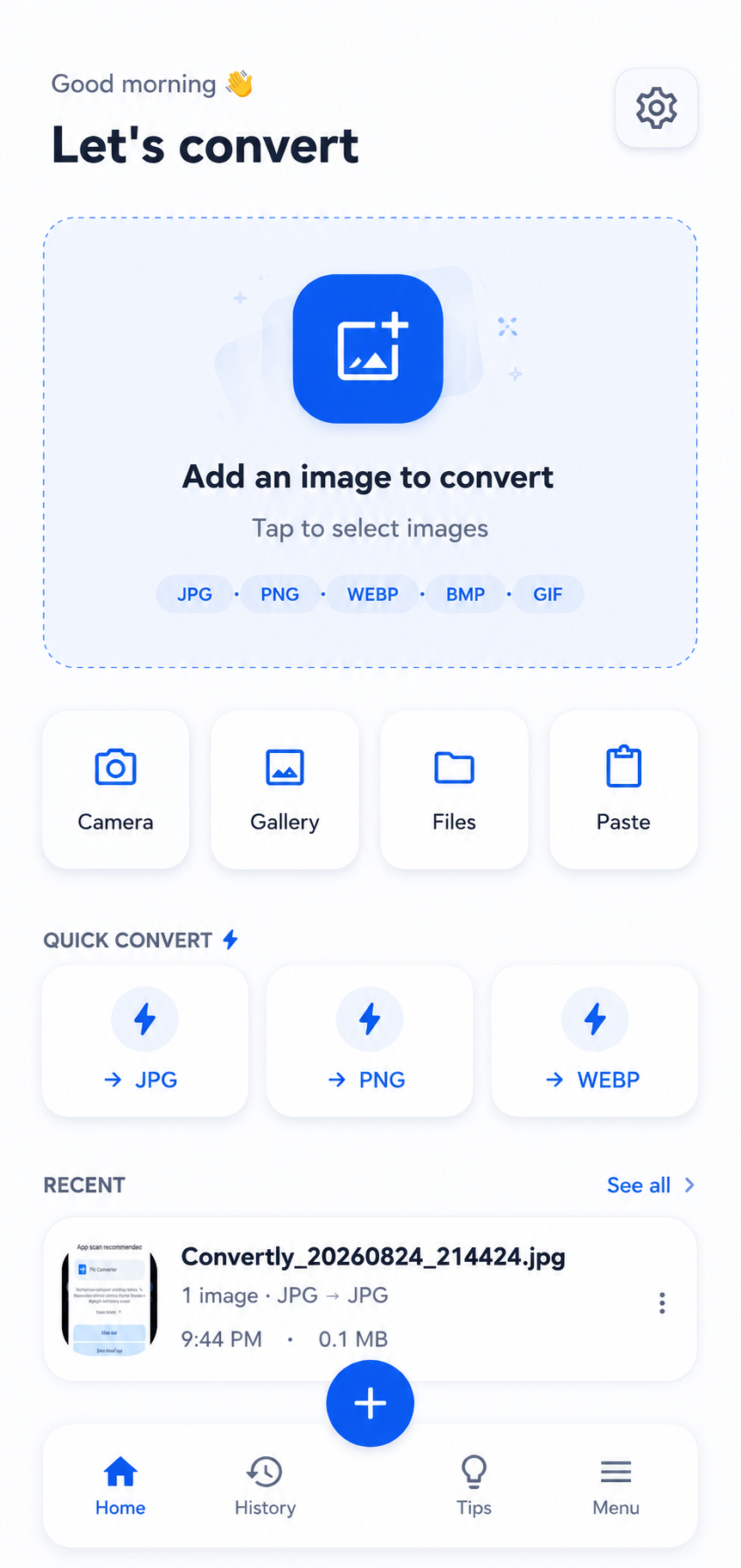
— Features —
Everything you need in an Image Converter
Lightning Fast
Convert images in seconds with our optimized on-device engine.
High Quality
Get the best quality output images every single time.
100% Secure
Your images stay on your device. We don't upload or store your files.
Multiple Formats
Convert between JPG, PNG, WebP, PDF, BMP, GIF, HEIC and more.
Batch Conversion
Convert and compress multiple images at once and save time.
Easy to Use
Clean, simple interface designed for everyone.
— Formats —
Convert & compress the formats people search for most
— How it works —
Convert an image in 4 simple steps
Select an image from your gallery or camera.
Choose Image
Choose the format you want to convert to.
Convert To
We convert your image with high quality.
Your image is ready to download and share.
Conversion Complete
— FAQ —
Frequently asked questions
Is this image converter free?
How do I convert JPG to PNG?
Can I convert HEIC to JPG?
Does compressing reduce image quality?
Are my photos uploaded anywhere?
Start converting & compressing today
Free, on-device, no account. Download the app and take control of your images.
Coming soon